When US founders, COOs, and VP-level buyers search for what an AI employee costs in 2027, they rarely get a straight answer. Most vendor pages hide pricing behind an enterprise sales call, quote a teaser rate that excludes phone lines and integrations, or compare a scripted 2023 chat widget against a full-time human salary as if the two did the same job.
Both shortcuts waste a buyer's time. A real cost analysis starts by defining the category accurately: in 2027, an autonomous AI teammate is neither a passive browser copilot nor a brittle menu-tree chatbot. It is a role-specific digital worker that answers live calls, resolves inbox requests, qualifies inbound leads, interviews applicants, and executes updates across your connected software under clear approval rules.
This guide breaks down exact Teammates.ai pricing tiers, compares the full structural cost of hiring AI workers against US W-2 payroll overhead and per-seat SaaS stacks, and gives finance and operations leaders a practical checklist for purchasing AI employees without surprise invoices.
The Real 2027 Pricing Model for AI Employees
Traditional software charges you for empty chairs. Every time you add a support rep, SDR, or recruiter, you pay another recurring seat fee for the helpdesk, another seat for the CRM, another seat for the dialer, and another seat for the scheduling tool. Even when a rep is in training, on vacation, or waiting between calls, the meter runs.
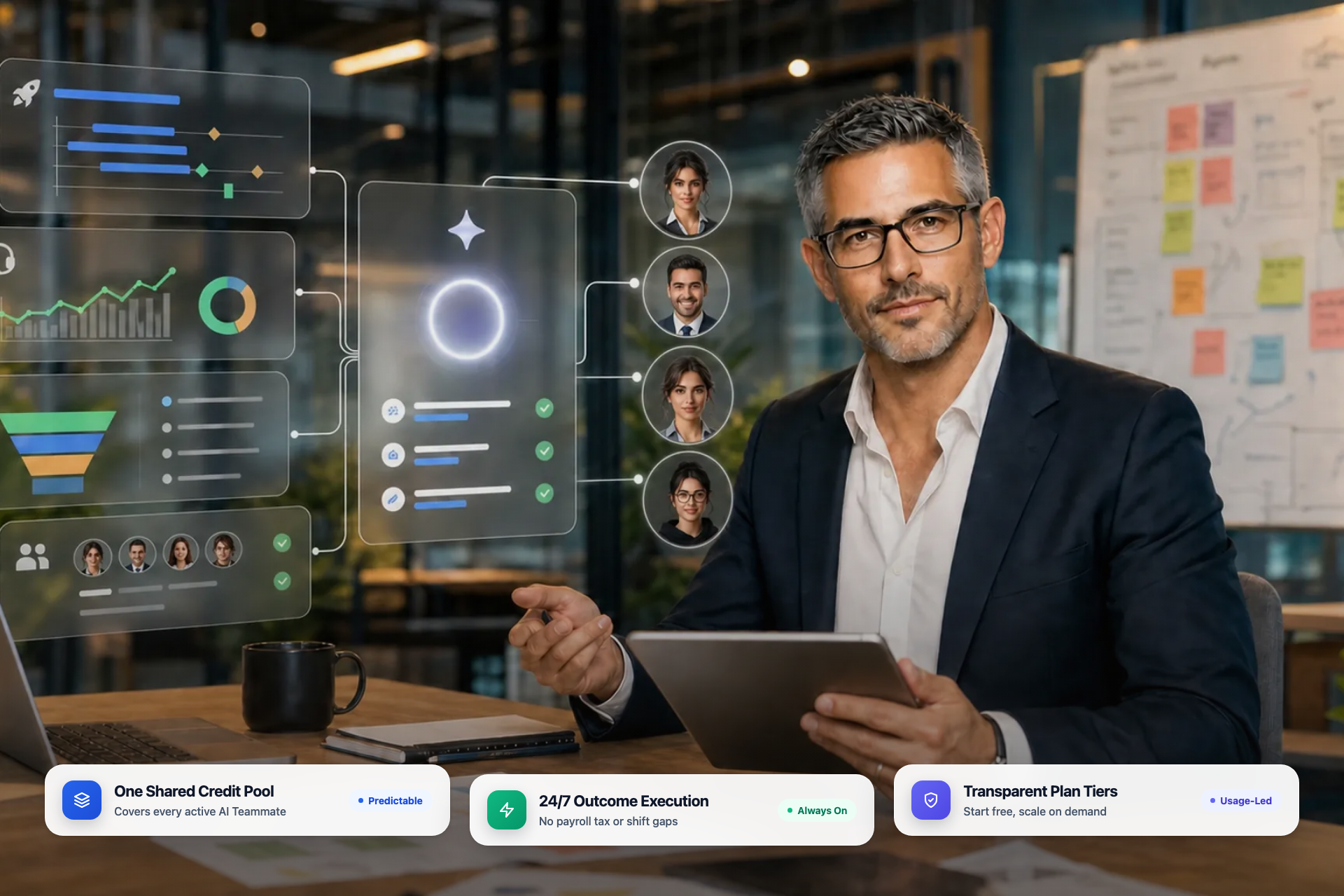
Teammates.ai prices AI employees on a transparent monthly platform plan paired with a shared Credit pool that meters completed work across your roster:
- Free plan (no card required): Includes 5 one-time starter Credits plus your first AI-run business launch so you can test live execution in your own workspace before paying a subscription.
- Pro ($50/mo): Includes 160 monthly Credits for growing teams running autonomous web, email, WhatsApp, Instagram, Messenger, and connected app workflows.
- Business ($250/mo): Includes 900 monthly Credits and adds dedicated phone-line capabilities for live inbound and outbound voice operations across Raya and Adam.
- Scale ($500/mo): Includes 2,000 monthly Credits built for high-volume multi-channel support, outbound revenue teams, and continuous recruiting pipelines with Sara.
- Enterprise (starting at $2,500/mo): Built for multi-brand or high-throughput organizations that need custom Credit volume, dedicated onboarding, and tailored governance controls.
Two operational rules matter as much as the headline tier rate. First, every paid plan starts transparently from day one with no hidden setup fees or deceptive teaser timers. Second, undelivered work is not billed: if an execution fails to deliver its intended action, your Credit balance is protected. You can inspect every channel rate and plan detail on the Teammates.ai pricing page.
Structural Cost Breakdown: AI Employee vs. US W-2 Hire vs. Per-Seat SaaS
Smart CFOs never compare a software subscription to a base salary alone. In the United States, a W-2 employee carries a layered cost structure that begins months before their first productive week and expands whenever your business needs evening, weekend, or multilingual coverage.
At the same time, legacy per-seat SaaS stacks carry their own hidden tax. Buying a standalone helpdesk, a standalone phone tree, a standalone appointment scheduler, and an entry-level scripted bot creates four separate invoices plus engineering hours spent gluing them together.
| Operational Factor | Teammates.ai AI Employees | US W-2 Frontline Hire | Legacy Per-Seat SaaS Stack |
|---|---|---|---|
| Core Financial Commitment | Predictable monthly tier (Free with 5 Credits, Pro $50/mo, Business $250/mo, Scale $500/mo, Enterprise $2,500/mo) | Base wage plus employer FICA, FUTA/SUTA, medical/dental benefits, workers compensation, and PTO accrual | Recurring per-user licenses across CRM, helpdesk, cloud phone, and automation add-ons |
| Recruiting and Turnover Drag | Zero recruiting fee and instant workspace deployment | Job-board spend, recruiter hours, background checks, and repeat hiring whenever frontline staff churn | Implementation consultant fees and admin retraining whenever workflows break |
| 24/7 and Holiday Availability | Continuous 24/7 coverage across 54+ languages and 19 Arabic dialects from one shared Credit pool | Requires multi-shift staffing, night differentials, holiday pay, or third-party BPO contracts | After-hours voicemail or deflection forms that leave callers waiting until morning |
| Software and Tool Footprint | Built-in CRM, native HubSpot, Workable, and Greenhouse integrations, plus 65+ connected apps, 310+ ready-made governed actions, and custom MCP/API connectors | Requires laptop hardware, security licenses, CRM seat, telephony seat, and coaching software | Fragmented point tools that require manual data copying between systems |
| Management Bandwidth | Clear approval rules and auditable action logs across every teammate | Daily queue supervision, call QA, scheduling, and performance coaching | Ongoing script maintenance as product policies and pricing evolve |
Look closely at the third row. For most US service businesses, clinics, e-commerce brands, and B2B SaaS teams, the biggest hidden expense is not the first daytime shift. It is the cost of covering evenings, weekends, peak seasonal spikes, and second languages without letting response speed collapse. One AI employee absorbs those peaks elastic-first without forcing you to carry idle headcount during quiet hours.
Buying an AI Virtual Assistant for Employee Use vs. Hiring an Autonomous AI Teammate
Many buyers arrive at this category after searching how to purchase an AI virtual assistant for employee use. That distinction is worth making before you sign a contract, because the two software models produce completely different operational outcomes.
Model 1: Personal AI Virtual Assistants (Copilots)
A personal AI assistant sits beside an existing employee inside their email client, document editor, or meeting recorder. It drafts replies, summarizes notes, and pulls internal snippets. It can make a strong employee slightly faster, yet it still requires that human employee to be awake, logged in, triaging the queue, clicking send, and updating the CRM. When call volume spikes at 9:00 PM Eastern or 200 applicants apply to an open role overnight, a personal copilot does zero work until a human shows up the next morning.
Model 2: Autonomous AI Teammates (Role Owners)
An autonomous AI teammate on Teammates.ai owns a repeatable business function end to end, bounded by the guardrails you set:
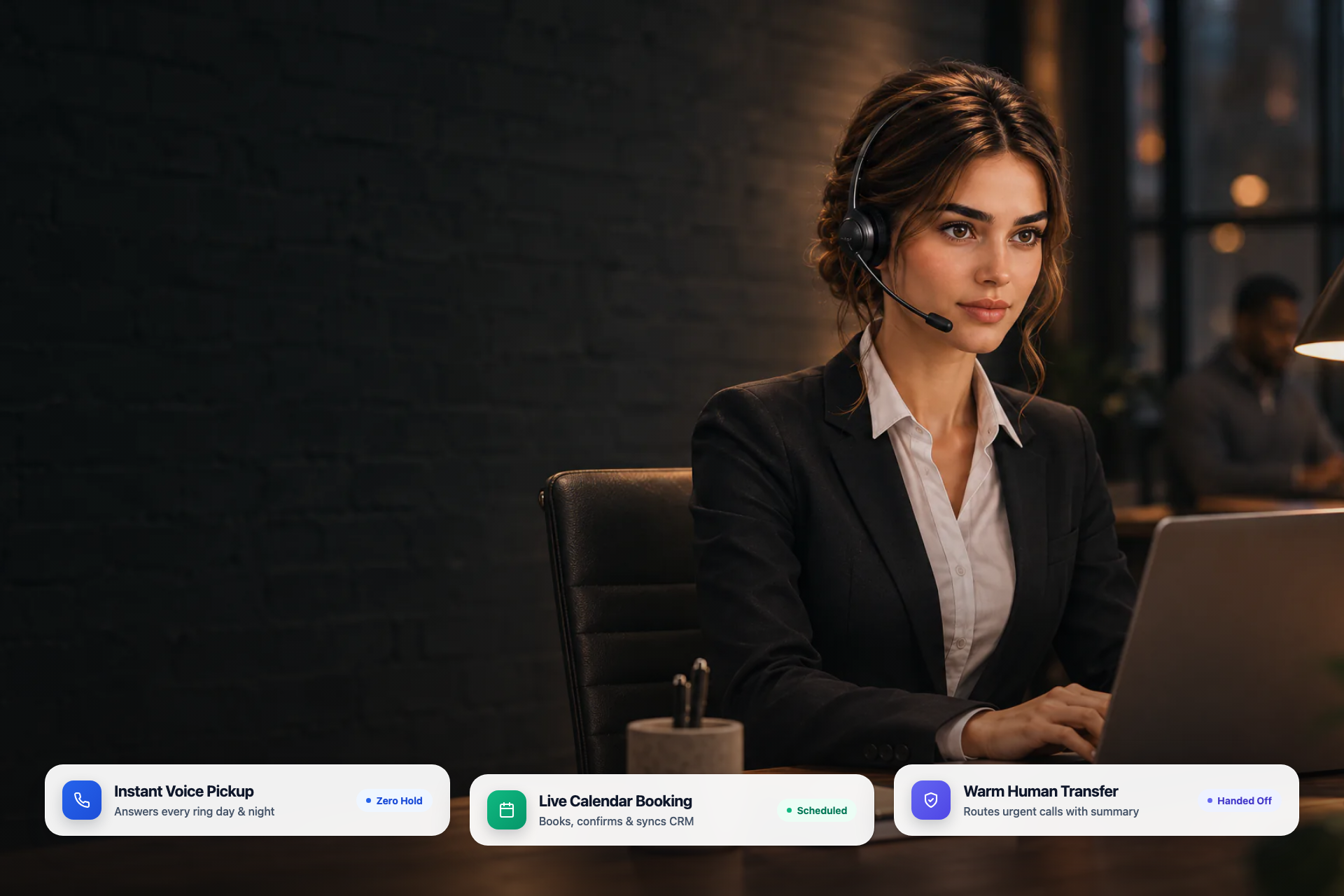
- Raya (Customer Service and Front Desk): Answers customers across voice, website chat, WhatsApp, Instagram, Messenger, and email. She verifies customer details, checks order or booking status, updates records, and closes routine requests while escalating sensitive exceptions with full context. Explore Raya's capabilities.
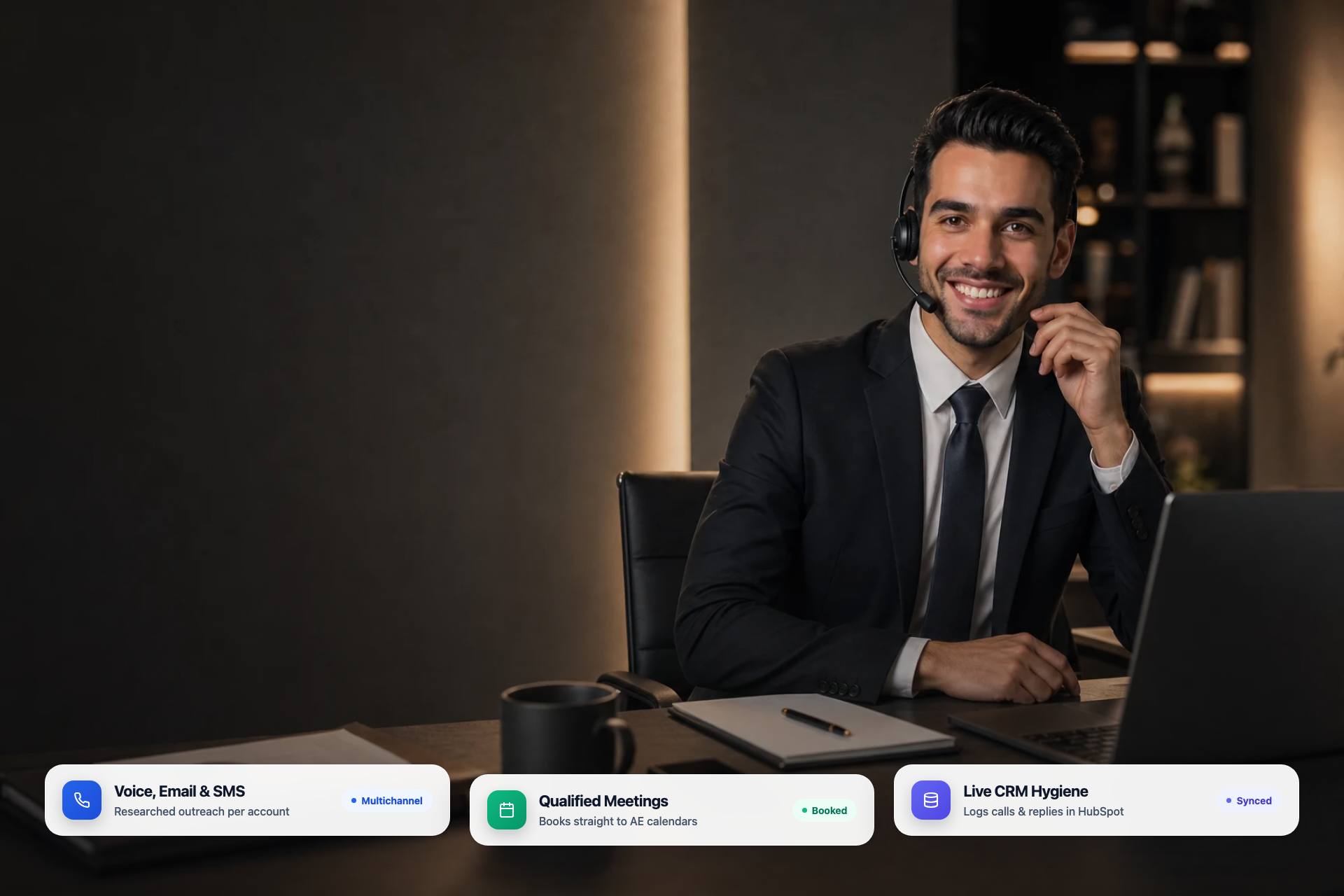
- Adam (Inbound and Outbound Sales): Speaks with website visitors by voice, qualifies leads against your criteria, books meetings onto live rep calendars, and runs approved email and phone outreach campaigns. Explore Adam for sales.
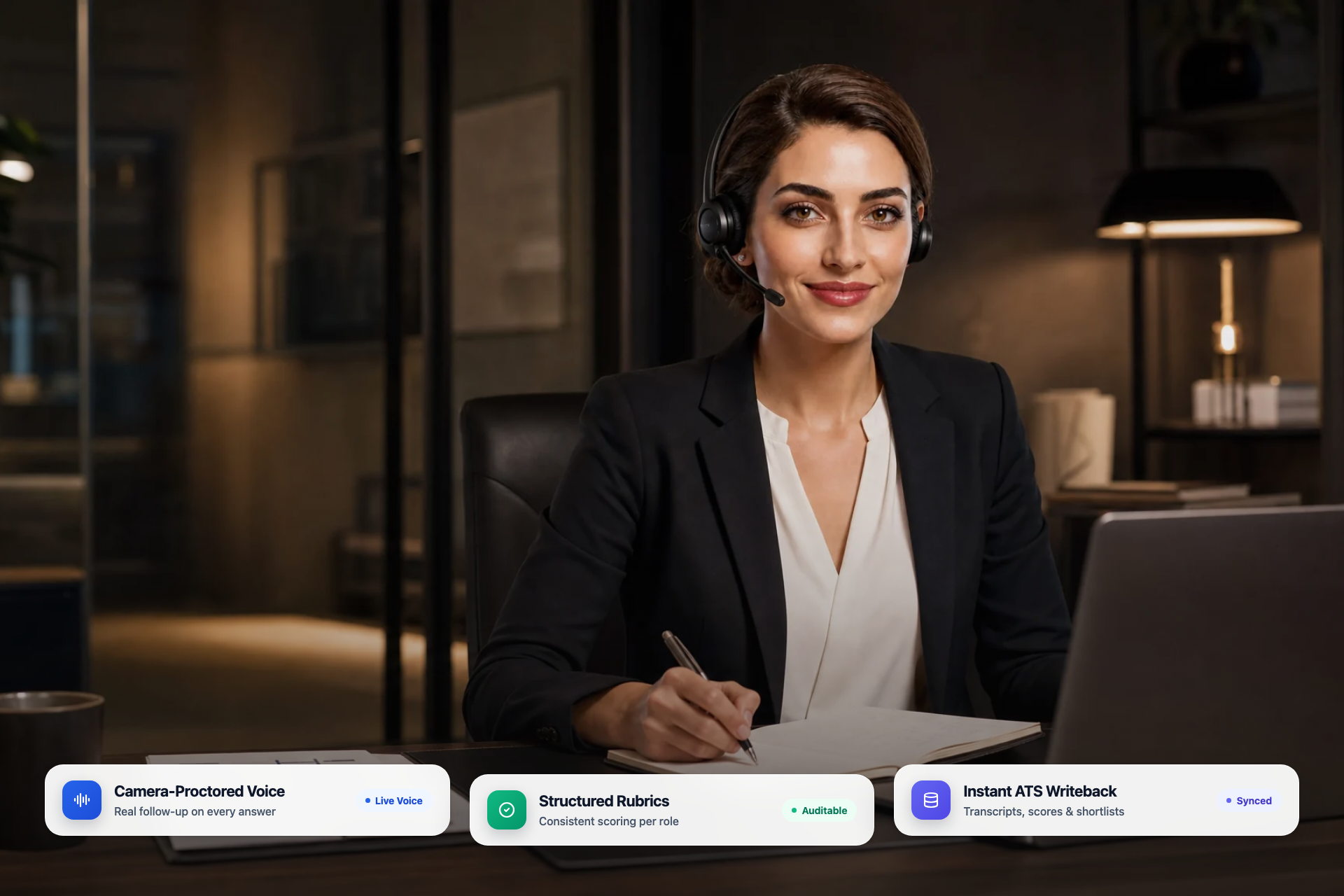
- Sara (Candidate Screening and Live Interviews): Parses incoming resumes, conducts live camera-proctored voice interviews using your role rubric, and delivers structured scorecards and transcripts so hiring managers spend their calendar only on shortlisted finalists. Explore Sara for hiring.
- AI Co-Founder and AI Engineer: Turn plain-English operating goals into live business assets, storefronts, web applications, and coordinated cross-department workflows inside one shared Company Brain.
Instead of paying per employee seat for a writing helper, you fund completed customer resolutions, booked sales conversations, and finished candidate interviews.
What Actually Drives Your Monthly AI Employee Budget
Whether you start on Pro ($50/mo), Business ($250/mo), or Scale ($500/mo), four concrete workload levers determine how quickly your team uses monthly Credits:
1. Channel Mix: Async Text vs. Live Phone Voice
Text channels such as website messaging, email, and social inboxes consume far fewer Credits per resolved conversation than live PSTN phone calls. If your primary bottleneck is website inquiries and email support, Pro ($50/mo) with 160 Credits gives you substantial operational runway. Once you add a dedicated inbound or outbound phone line, Business ($250/mo) with 900 Credits provides the phone infrastructure and Credit headroom needed for daily live voice traffic.
2. Action Depth Across Connected Systems
Answering a static policy question requires minimal compute. Verifying a customer account, looking up live shipment status, issuing an approved calendar reschedule, and writing a clean summary back to HubSpot or a connected app through MCP consumes slightly more metered work, while replacing far more human minutes. Because Teammates.ai includes a built-in CRM alongside native HubSpot, Workable, and Greenhouse integrations plus 65+ connected apps, 310+ ready-made governed actions, and custom MCP/API connectors, you avoid paying separate middleware bills just to let your AI workers take action.
3. Approval Thresholds and Human Handoff Rules
Every organization has actions that should run automatically (answering policy questions, booking discovery calls, updating contact records, sending structured interview invites) and actions that must pause for human sign-off (refunds, custom contract terms, sensitive escalations, final hiring decisions). Clear approval rules prevent wasted runs and keep finance and legal leaders comfortable from day one.
4. Multi-Teammate Consolidation
The hidden multiplier in 2027 is sharing one Company Brain across departments. When your support policies, pricing truth, and brand voice live in one workspace, adding a second operational role costs zero additional setup overhead. Raya handles post-sale support, Adam handles lead qualification, and Sara handles candidate screening from the same unified Credit pool.
A 6-Point Procurement Checklist Before Buying AI Employees
Before approving any AI employee vendor for your US operation, run their proposal through six plain-English checks:
- Public, published unit economics: Does the vendor publish clear monthly tiers and usage rates online, or do they hide pricing behind opaque enterprise quotes?
- Real role execution vs. repackaged chat widget: Can the AI worker actually answer a live phone line, book a real calendar slot, update a CRM record, and hand off an edge case with structured context?
- Zero after-hours or multilingual surcharges: Does 24/7 night, weekend, and multilingual coverage (54+ languages on Teammates.ai) draw from the exact same transparent rate card?
- Honest integration architecture: Does the vendor clearly distinguish between built-in capabilities, native connections, and connected apps rather than promising vague "native everything" syncs that break in production?
- Auditable approvals and transcripts: Can operations leaders review full transcripts, scorecards, and action logs before expanding autonomy?
- Zero-risk live validation: Can you test the workspace directly on a Free plan (5 starter Credits, no credit card) before committing budget?
Putting the Numbers to Work
If you are evaluating whether to add another frontline hire, renew an expensive multi-tool SaaS bundle, or expand into 24/7 coverage, you do not need a spreadsheet forecast to validate the fit. Start on the Free tier with 5 starter Credits, connect one real workflow, and measure real resolved conversations in your own workspace. Review all plan tiers and Credit mechanics on the Teammates.ai pricing page, or explore the full roster of AI employees to see which role pays back fastest for your team.