When a prospective US customer calls a service business, medical practice, law firm, property manager, or B2B vendor after 5:00 PM and hits voicemail, they rarely leave a message. They hang up and dial the next provider on their screen.
For years, US businesses faced three frustrating options for 24/7 phone coverage: hire rotating night-shift receptionists, pay a live human answering service that tacks on after-hours and holiday surcharges just to scribble down callback notes, or force callers into a rigid keypad phone tree.
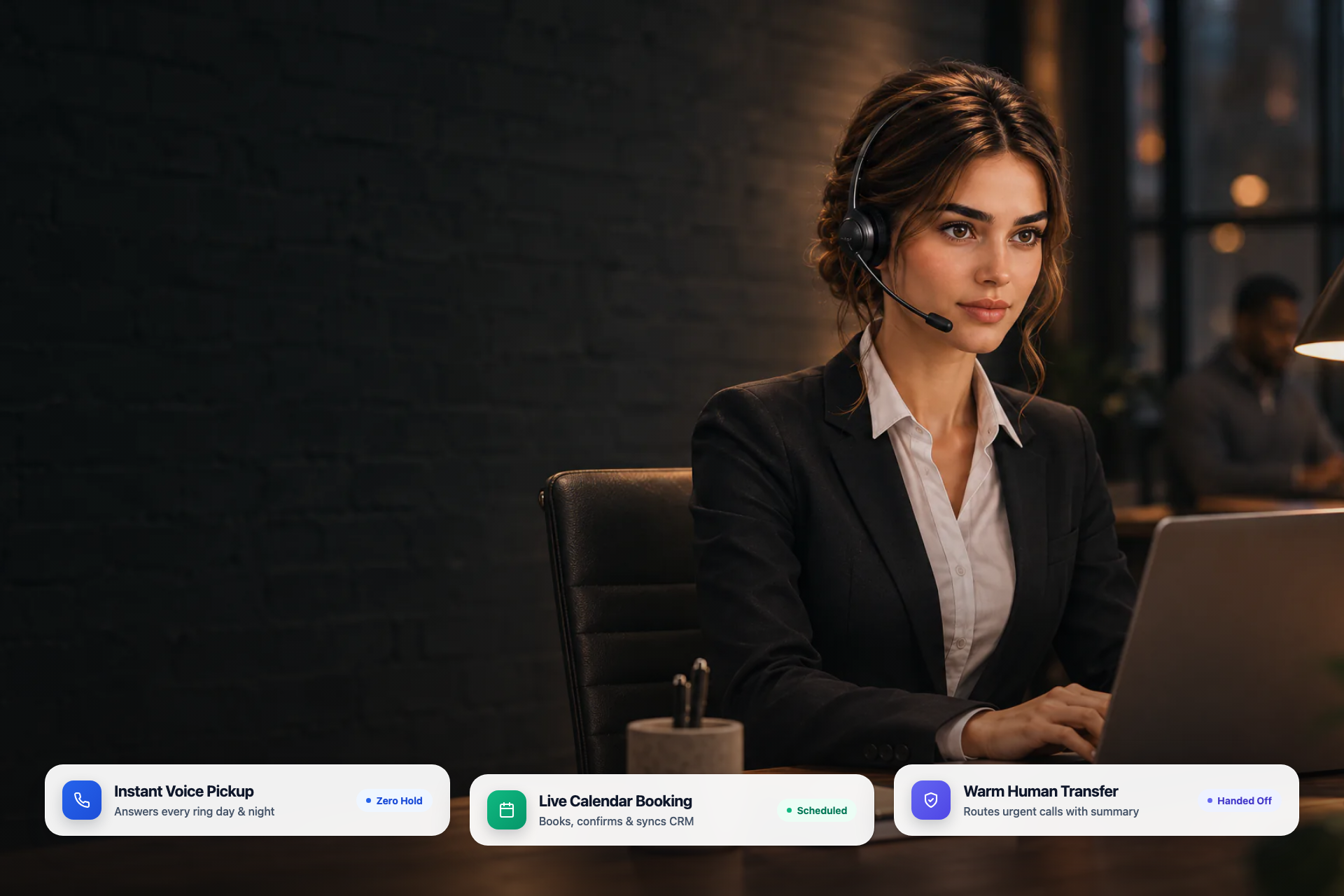
In 2027, an autonomous AI virtual receptionist replaces all three compromises. Rather than taking passive messages or trapping callers in scripted menu loops, a modern AI front desk teammate answers immediately in natural voice, books directly onto your calendar, updates your CRM, and executes warm transfers when a human needs to step in.
Hear an AI Virtual Receptionist Live Before You Read Another Word
Most vendor comparisons force you to guess how natural a voice agent sounds from polished marketing videos. Skip the brochure and audition Raya directly right now:
- Call Raya live:
+1 (650) 300-3430 - Test real front-desk pressure: Interrupt her mid-sentence, change your appointment time, ask a detailed question about policies or hours, or switch languages mid-call.
Evaluating a voice receptionist takes sixty seconds when you can speak to the production phone line yourself.
Why Traditional After-Hours Phone Providers Add Hidden Surcharges
Buyers searching for after-hours phone customer support providers often run into a billing surprise on their first invoice. Traditional live answering services and call-center BPOs are built around human shift schedules. Because night, weekend, and US federal holiday shifts cost more to staff, many legacy providers layer extra charges on top of their base retainer:
- After-hours and weekend rate multipliers applied to calls answered outside standard weekday business hours.
- Holiday surcharges triggered on major US holidays, even if your call volume is light.
- Per-minute hold and patch fees that bill you while an operator looks up your on-call roster or waits for a manager to pick up.
- Bilingual add-on tiers that charge extra just to support Spanish or additional regional languages.
- Shallow message-taking limits, where the operator cannot access your live calendar or customer records, leaving your daytime staff with a pile of cold callback slips every morning.
How Teammates.ai Eliminates After-Hours Surprises
On Teammates.ai, an AI front desk does not have a night-shift differential. Phone-enabled plans charge zero after-hours, weekend, or holiday surcharges:
- Business ($250/mo): Includes 900 monthly Credits and dedicated phone-line support so Raya can answer incoming calls, book calendars, update records, and route urgent conversations 24/7 from one unified Credit pool.
- Scale ($500/mo): Includes 2,000 monthly Credits designed for multi-location businesses, high-volume clinics, hospitality groups, and continuous AI call center operations.
- Start risk-free first: Teams evaluating omnichannel workflows before moving phone traffic can begin on the Free plan (5 one-time starter Credits, no credit card) or Pro ($50/mo, 160 Credits) for web, email, WhatsApp, Instagram, and Messenger, then upgrade into Business or Scale when ready to go live on the phone.
Every live minute at 3:00 AM on a holiday weekend draws from the exact same published Credit rate as a call at 11:00 AM on a Tuesday. Check full plan tiers on our pricing page.
2027 Comparison: AI Virtual Receptionist vs. Human Answering Service vs. Legacy IVR
| Evaluation Criterion | Raya on Teammates.ai | Human Answering Service | Legacy IVR / Voicemail |
|---|---|---|---|
| Answer Speed During Spikes | Instant pickup across concurrent callers with zero hold music | Shared operator pools create hold queues during peak hours | Automated menu loop followed by voicemail drop-off |
| After-Hours & Holiday Pricing | Zero after-hours surcharges on Business ($250/mo) and Scale ($500/mo) | Frequently adds evening, weekend, holiday, or overflow fees | Flat telecom fee, high missed-opportunity cost |
| Live Calendar Booking | Checks real availability, books, reschedules, and sends confirmation | Usually collects a callback request for your morning team | Not supported |
| CRM & Tool Updates | Logs structured summaries inside the built-in CRM, HubSpot natively, or connected apps via MCP | Emails unstructured message slips that staff must re-type | Raw voicemail audio only |
| Warm Transfers | Transfers urgent callers to the right person with spoken and written context | Cold transfers or delayed paging trees | Keypad routing only; drops caller context on transfer |
| Language Fluency | 54+ languages and 19 Arabic dialects included on every plan | Extra monthly add-on for bilingual staffing; rarely beyond 2 languages | Clunky static prompts |
What a World-Class 2027 AI Front Desk Actually Executes on Every Call
Going beyond scripted chatbots and passive message-takers means your front desk finishes the caller's job while they are still on the line. Here is the five-stage workflow Raya runs on every inbound call:
1. Instant Context Greeting and Caller Recognition
Raya answers with your brand greeting, recognizes returning callers when matched against your built-in CRM or connected systems, and adapts immediately to the caller's language across 54+ languages and 19 Arabic dialects without asking them to "press 2 for Spanish."
2. Grounded Answers from Your Verified Business Truth
Instead of improvising policies or reciting generic scripts, Raya answers directly from your uploaded knowledge base, service catalog, operating hours, location details, and intake rules. When pricing, hours, or seasonal policies change, updating one central source updates every voice, chat, WhatsApp, and email channel at once.
3. Real-Time Calendar Booking and Rescheduling
For clinics, home-service dispatchers, agencies, legal offices, and SaaS sales desks, the difference between taking a message and booking the slot is the difference between a closed customer and a lost lead. Raya checks real calendar availability, confirms the appointment details aloud, collects required intake fields, and triggers clean calendar confirmations while the caller is still engaged.
4. Structured CRM Logging Across Your Stack
Every call produces a full transcript, clean structured summary, caller intent tag, and outcome record. Teammates.ai includes a built-in CRM out of the box, connects natively to HubSpot, and connects to Salesforce, Pipedrive, Zendesk, Google Calendar, and other operational tools across 65+ connected apps, 310+ ready-made governed actions, and custom MCP/API connectors.
5. Intelligent Warm Transfers for High-Stakes Calls
Not every phone call should stay automated. Emergency dispatches, angry billing escalations, complex custom quotes, or VIP callers asking for a specific partner should reach a human fast. You set plain-English routing rules so Raya qualifies urgency, summarizes the caller's issue, and warm-transfers directly to the right extension or on-call number so your staff steps in informed.
One Front Desk Across Phone, Website, WhatsApp, and Email
Modern customers rarely stick to one channel. A prospect might call your front desk on Tuesday evening, follow up via WhatsApp on Wednesday morning, and send an email attachment on Thursday afternoon.
Standalone AI receptionist apps create a fresh data silo because they only handle voice. Because Raya runs your entire customer service operation across phone, website chat, email, WhatsApp, Instagram, and Messenger inside one shared workspace, your caller never gets asked to re-explain their order number or appointment history when switching channels. You can see full front-desk workflows on our AI receptionist solution page.
How to Roll Out an AI Virtual Receptionist in One Afternoon
Use this operational launch checklist to move from missed calls to 24/7 live front-desk coverage without disrupting your daytime team:
- Audition live voice quality first: Dial
+1 (650) 300-3430and test Raya against your hardest real customer questions. - Start with after-hours and overflow forwarding: Forward unanswered daytime calls and all evening/weekend calls to your Teammates Business ($250/mo) or Scale ($500/mo) phone line first so you prove quality on calls you would otherwise miss.
- Upload your top 25 real caller questions: Give Raya your exact hours, service areas, booking rules, cancellation policy, and intake requirements.
- Define clear warm-transfer rules: List the exact scenarios that must ring an on-call human immediately versus scenarios Raya should book and resolve autonomously.
- Review your first week of transcripts: Read call summaries inside your workspace, tighten any wording preferences, and expand from overflow into primary front-desk answering once your team loves the call recordings.
Ready to hear what zero-hold, zero-surcharge 24/7 front-desk service sounds like? Call Raya live at +1 (650) 300-3430, explore the AI receptionist solution, or compare phone-ready tiers on the Teammates.ai pricing page.